Showing posts with label nook drm. Show all posts

Monday, February 27, 2023

Epubor Issued New Update for NOOK DRM Removal!

For the past few years, Barnes and Noble have made it complicated to read Nook books on PC. Let alone trying to back up your purchased nook books. Luckily, after years of hard work, now Epubor issues a new solution to help you remove Nook DRM effortlessly as long as you can download your nook file to your PC. Here’s the detailed guide:

Step 1. Download Nook DRM Removal

The newly released Nook DRM Removal is the best tool to help you remove Nook DRM easily.

Step 2. Enter your Nook Account and Password

Launch Nook DRM Removal, go to settings >> Nook >> enter your Nook account and password >> OK

Step 3. Start Downloading Nook books via Nook Windows App

In order to remove Nook DRM, you need to download Nook books to your computer first. Right now you install the Nook windows app from the Microsoft store to your computer, then you can start downloading your nook books. Actually, as long as you can download nook books from other devices, such as your Nook reader or your smartphone, then plug in your device to your PC, next, find the nook files on your computer and add them to Nook DRM Removal. 

Step 4. Remove Nook DRM

Nook DRM Removal can detect nook books downloaded via the Nook Windows app automatically. All your nook files will be displayed under the Nook tab. All you need to do is add them to the right main window to remove nook DRM. 

Tuesday, November 22, 2022

Best Way to Remove Nook DRM for Free Now!

DeDRM tools version 10.0.3 has some major fixes. The most useful change is that now this new v10.0.3 DeDRM_tools plugin can 

  • support extracting the B&N / Nook key from the NOOK Microsoft Store application.
  • support extracting the B&N / Nook key from a data dump of the NOOK Android application.
  • support adding an existing PassHash / B&N key base64 string without having to write it to a file first.

So now as long as you can download Nook books, you can import your nook files to calibre and remove DRM with the DeDRM plugin.

It is super easy to operate. 

First, download the version 10.0.3 DeDRM plugin to your computer and unzip it.

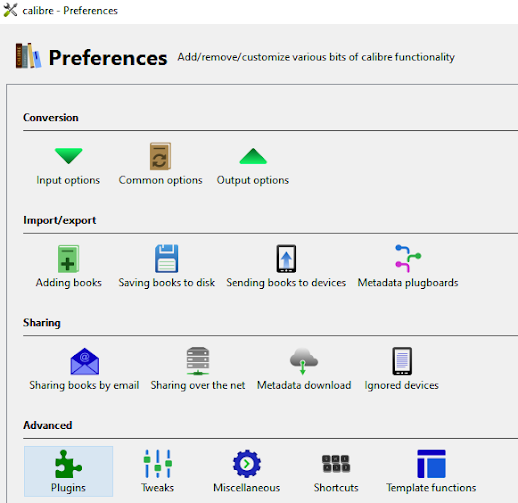
Second, upload the DeDRM plugin to calibre. The plugin needs to be used with calibre. If you have not installed calibre, you can download it here. 

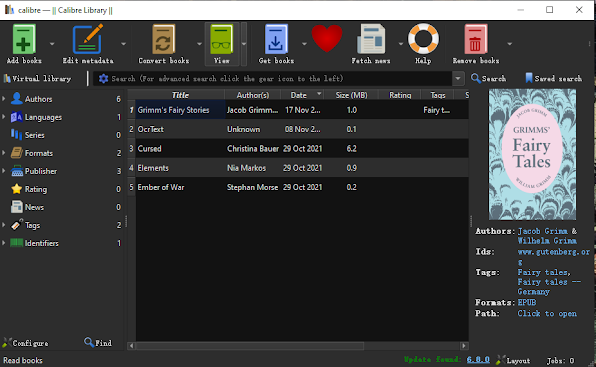
Third, drag and drop your Nook files to the calibre library, it will be decrypted automatically. Then you can view the epub file with calibre viewer directly.

However, if you still do not know how to make it work using this method, you can use the paid software – Epubor Ultimate to remove Nook DRM. Besides, it can also help you remove DRM from your purchased Kobo/Kindle/Google Play books